How to Put Your Business on the Internet

Step 1
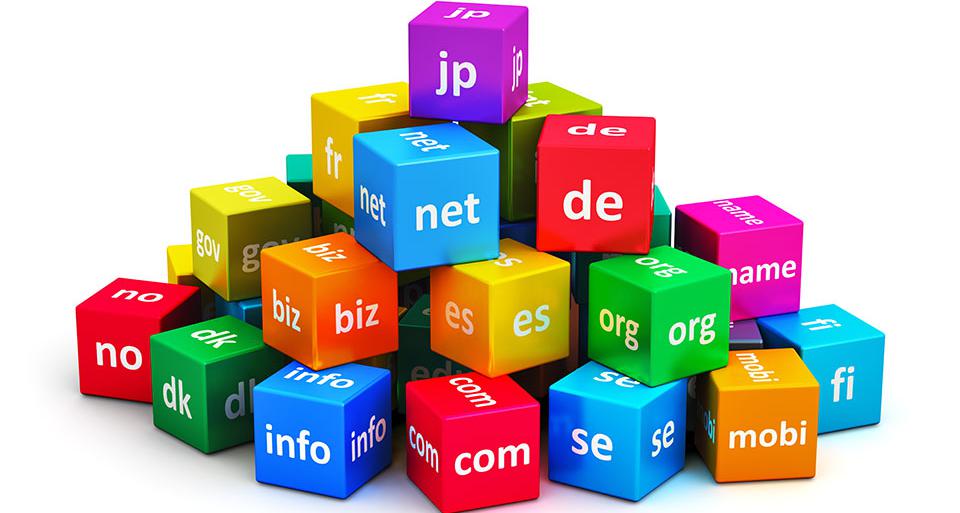
Get a domain name (web address - www.yourname.com) for your business website. There are a lot of resources, i.e. GoDaddy, NameCheap, Network Solutions...
Click below to get your domain name today. This is your website address on the Internet so people can visit your website.
Note: Your domain name and web hosting services do not have to be with the same company or purchased at the same time. They can be purchased independently of each other. For example, if you know you want to purchase your domain name before someone else selects the same name, but you are not ready to set up your website, you can. Once you are ready to move forward and create your website, your web hosting company can provide help on how to connect your domain name to your web hosting service. If you get your domain name and web hosting services from the same company, you don't need to be concerned about how to connect the domain name to the web hosting service. It is done automatically.
Step 2
Sign up with a Web Hosting Company so you can use your domain name (web address).
Once you have a domain name, you will need a web hosting company (a company like ours that has the ability to store your web pages on a computer server and to display your web pages on the Internet). Our Managed WordPress hosting allows you to create your website or blog without having to know how to know how to code a website. There are lots of WordPress themes to choose and adopt to your specific needs.
The WordPress platform is a very popular platform that is used to create websites and blogs and there are approximately 75 million plus sites that were created with WordPress.
One needs a domain name because without one, it will not be possible for people to find your website (i.e.your web address on the internet) and one needs web hosting because without web hosting you cannot create a website.
Step 3
Create your website. How? What are my options?
Option 1 - Create Your Own WebSite - Do It Yourself
Pros
Saves WebSite Designer Cost. You can also maintain yourself.
Cons
You will need to get familiar with how to use the WordPress platform and will have to invest some time in learning how to use it
Option 2 - Have a WebSite Designer Create Your WebSite for You
Pros
Saves you lots of time and sometimes frustration
Cons
You pay the website designer the cost of designing the website
Option 3 - Use a Website Builder. Free templates and lots of designs. Some companies that offer website builders are" Wix, Squarespace and Weebly. These are what we call "Plug and Play", however, there may be some limitations as to types of customizations that you can do without paying additional fees. Also, if you want to use your own domain name, you will need to register the domain name you want to use and they will tell you how to use with their platform.
Step 4
Register Your Web Site With Search Engines
After you are on the Internet, it is time to let the world know you have arrived. Your next step is to get your web site indexed by the top search engine sites and spread the word to friends, family and customers by telling them what your domain name is and how they can find you on the Internet.
What are Search Engine Sites?
A search engine site is where web surfers can go and type in key words or makes an inquiry when looking for something. The popular search engine sites are Google, Bing, and Yahoo.
Step 6
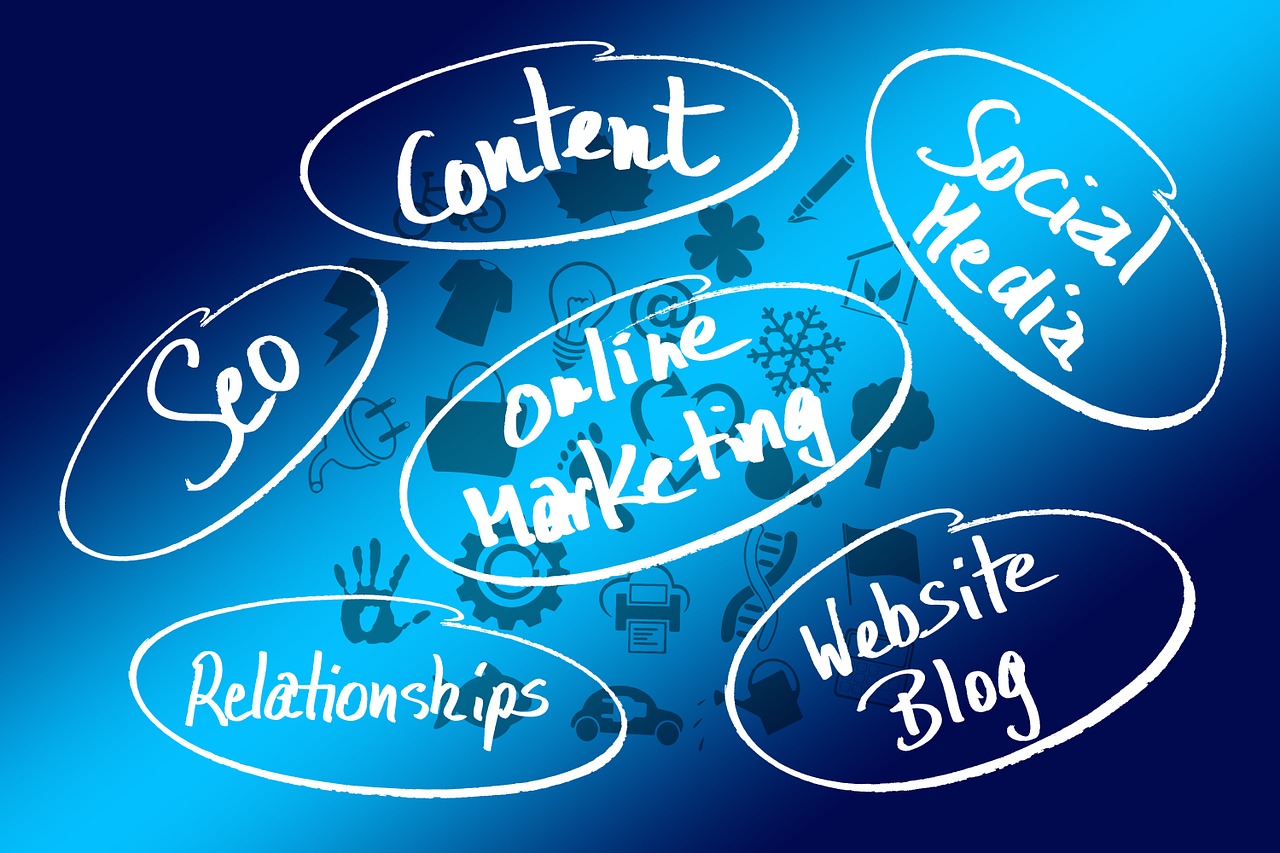
Advertise/Promote Your Web Site via local marketing to your customers, friends, family, SEO (Search Engine Optimization), Social Media platforms, i.e. Facebook, Twitter, ...